

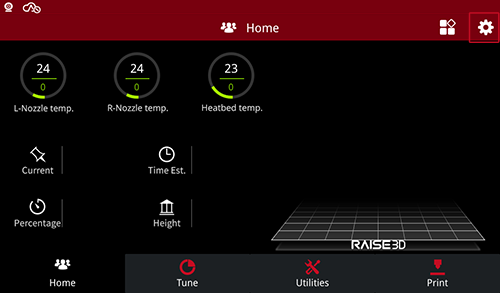
1.Select the “Gear” icon at the upper right corner of the screen.
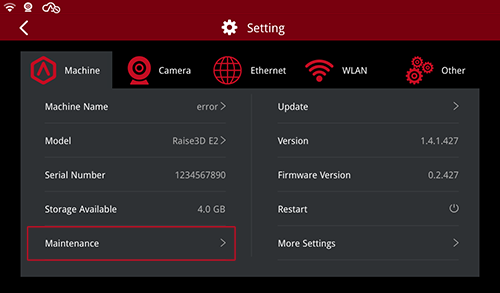
2.Select the “Maintenance” at the bottom left corner of the “Machine” settings.
3.Then select the “Make X-Axis Level Up”.

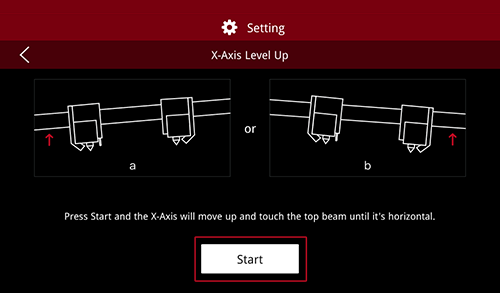
4.Select “start” to begin the leveling process.
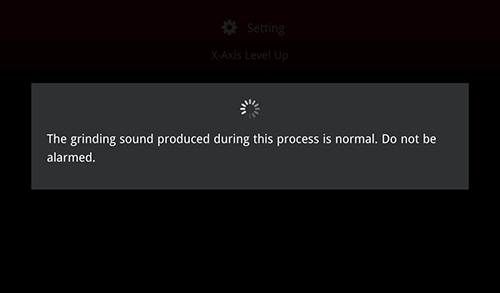
Note: It is normal for the printer to make a grinding noise during the process. Please do not be alarmed.
- END -
