

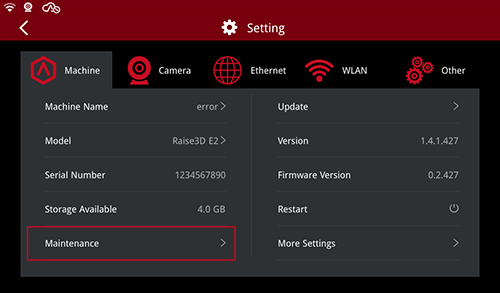
1.Select the “Gear” icon at the upper right corner of the screen.

2.Select the “Maintenance” at the bottom left corner of the “Machine” settings.
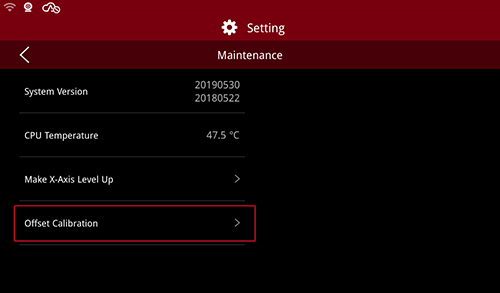
3.Then select the “Offset Calibration” at the bottom left corner.
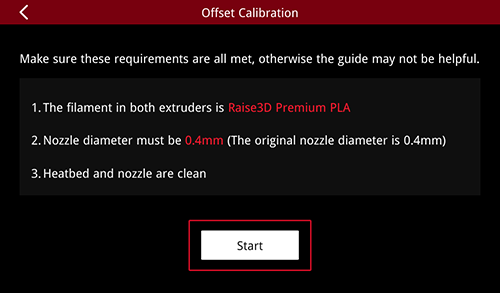
4.Make sure the following requirements are all met, and select the “Start”.
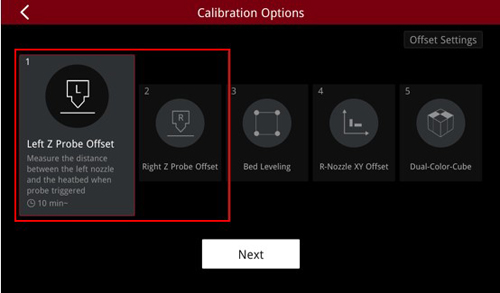
5.Then perform the first two steps to set the proper distance between the left/right nozzle and the heatbed.
- END -
