

[ Manual N2&N2 Plus- How to Replace the Heating bed -V1.0 ]
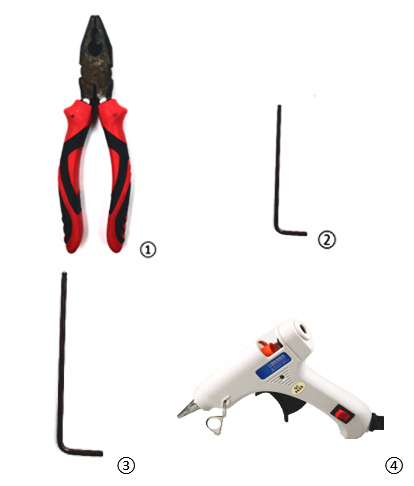
Pliers
2mm Hex Wrench
2.5mm Hex Wrench
Hot Glue Gun
Socket Wrench
1. Press the Z home button. Once the bed completely homes, press the Z value button in the Utilities page and set the height to 20mm.

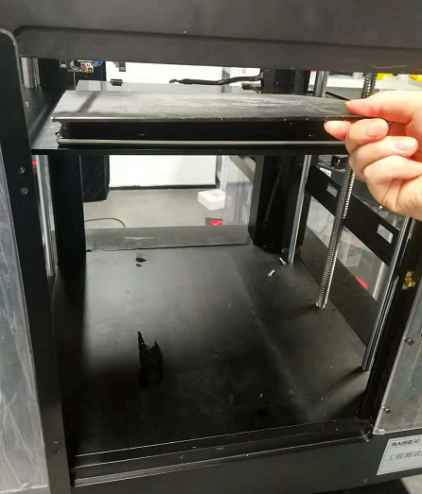
2. Turn off the power and unplug the machine. Open the front door and remove the build plate.
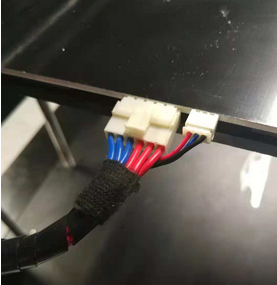
3. Carefully unplug the heating bed wires behind the heating bed. (Note: If the wire connectors are covered by glue, remove the glue with tweezers or side cutters.)
4.Use a 5.5mm socket wrench to remove the 13 nuts under the Z platform heating plate.

5.Use pliers to hold the nuts under the screws and a 2mm hex wrench to loosen the screws and remove them. Loosen the screws on the heating bed with a 2mm hex wrench and pliers holding nuts on the other side of the bed to take the insulation plate and heating bed apart.
(*For the best results assistance of a 2nd person is recommended.)
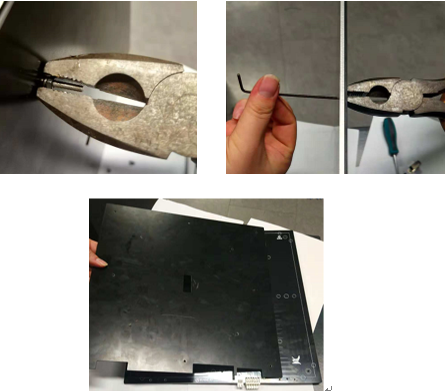
6.Use a 2mm hex wrench to remove the four M3 screws on the clamps.
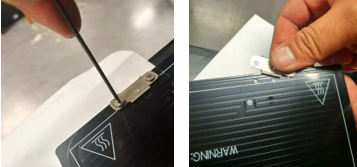
7.Remove the insulation spacer on the plate.
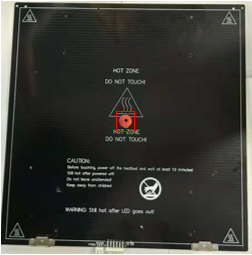
8.Flip the new heating bed to have the back side up.
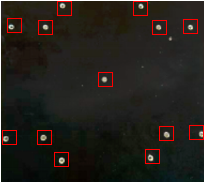
9.Place the insulation spacer on the center of the heating plate and install the new heating plate and the old insulation plate with 5 screws in the positions marked below. Then install both clamps.

10. Align the plate to match the screw holes on the Z platform. Tighten the five screws installed in the last step to attach the Z platform.
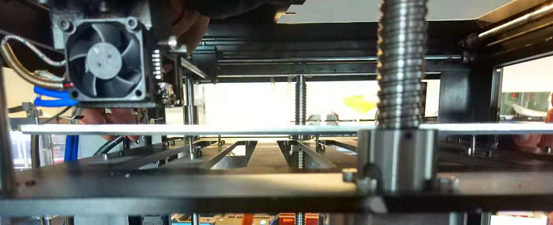
11.Plug the cables into the new bed.
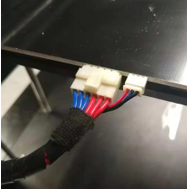
12.Apply hot glue with a glue gun onto the connectors to secure them..
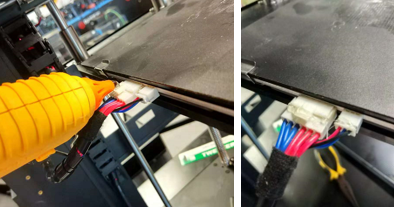
13.Install the build bed.
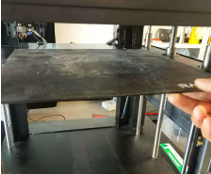
14.Lower the Z platform down to a proper position.
15.To confirm that the bed is leveled be sure to read the bed leveling guide on our website: Bed leveling instruction.
-END-
