

[ Manual Pro2 Series - 008 Build Surface Installation Instruction-V1.0 ]
1. Remove the Build Plate from the printer.
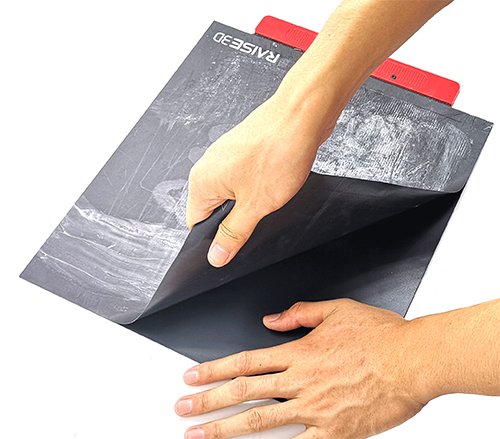
Securely hold the Build Plate with one hand and separate the old Build Surface from the plate with the other hand.
2. Clean Build Plate
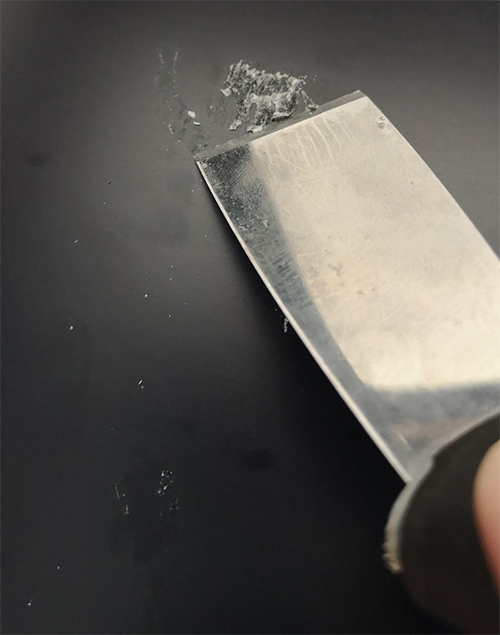
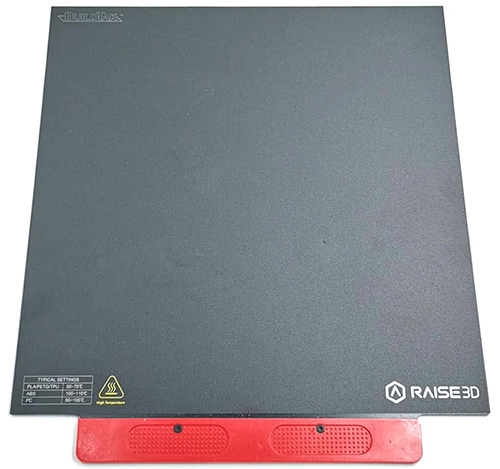
3. Remove the release liner from at the back of Build Surface and apply to Build Plate. (Note : Try not to leave bubbles .You can scrape them away with a scraper.) Reinstall the build plate. After build plate is reinstalled, double check surface to extruder gap.
[ Manual Pro2 Series - 008 Build Surface Installation Instruction-V1.0 ]
-END-
