

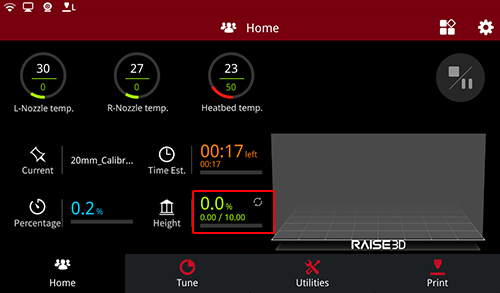
The Home interface mainly introduces the relevant parameters of the printing file. Including:
L-Nozzle temp: The temperature of the left nozzle. Upper one is current temperature. Below one is target temperature.
R-Nozzle temp: The temperature of the right nozzle. Upper one is current temperature. Below one is target temperature.
Heatbed temperature: The temperature of the heatbed. Upper one is current temperature. Below one is target temperature.
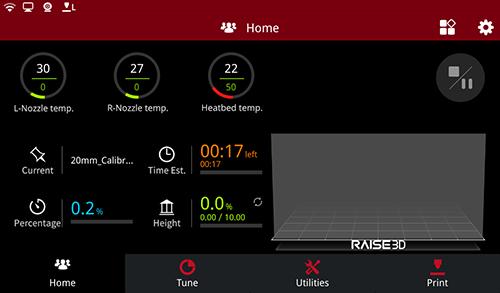
Home
Current: Click to read the name of the printing model.
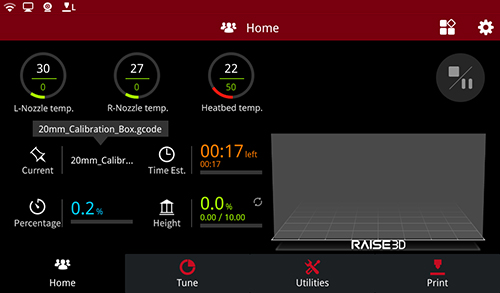
Current
Time Est.: The total time and the remaining time of the printing model. The bigger one refers to the remaining time. The small one below refers to the total time. Click the “Time Est.” to read the estimated time.
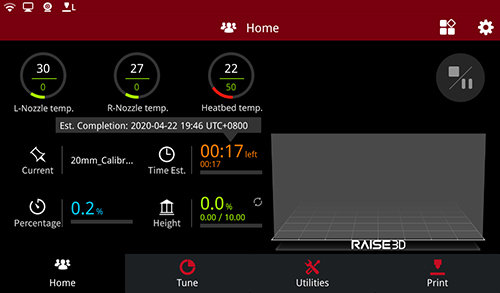
Time Estimated
Percentage: The percentage of completed model.

Percentage
Height: The height of the completed model.
 : Press icon in the “Home” tab to switch the displayed information from completion percentage based on total layers and layer count.
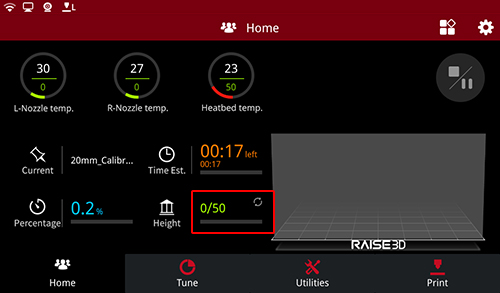
Height
-END-
