

Click on the “Uploading Queue” to view files uploaded through WLAN and Ethernet. Printing files can be uploaded remotely from ideaMaker to the printer. Click the “Uploading Queue” to see the upload file size, transmission speed, remaining time and upload percentage.
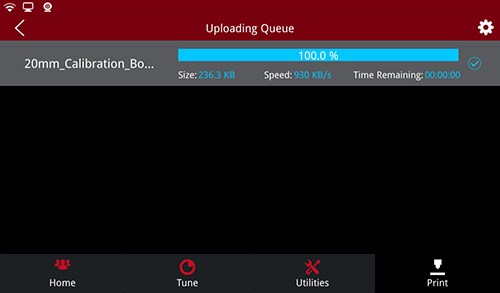
Uploading queue
Note: the file will be saved in local storage after uploading. Click the print file to enter the model related information interface, where the parameter information of the model can be viewed.
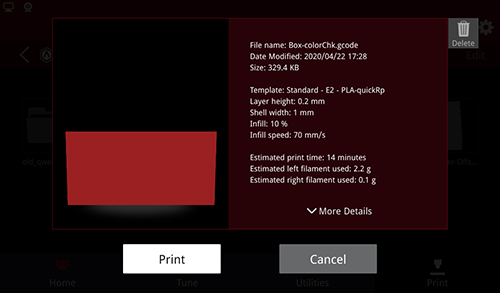
Print Model Information
-END-
