

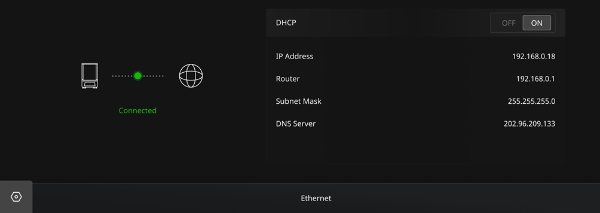
DHCP: | Turn on DHCP to view information regarding dynamic IP address, router, subnet mask, and DNS server. Turn off DHCP to manually set the information regarding the static IP address, router, subnet mask, and DNS server. |
Notes:
ØYou can upload files through a wired connection according to the IP address of the printer. Please ensure that the printer and your computer are in the same LAN.
ØTo ensure the quality of the network signal, please avoid using Ethernet and WLAN at the same time.
