

Click “Settings” to enter the camera parameter setting interface, click “Resolution Settings” to enter the resolution parameter setting interface.

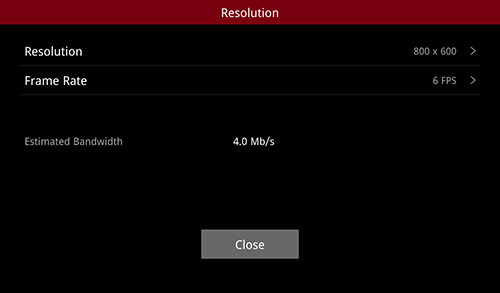
Resolution Settings
Click on “Resolution” to enter the resolution list and select the appropriate resolution as needed.
Click on “Frame Rate” to modify the number of frames.

Select Resolution
Note: In order not to affect the use and printing effect of other network devices, the maximum frame rate is not allowed to exceed 10 fps.
-END-
