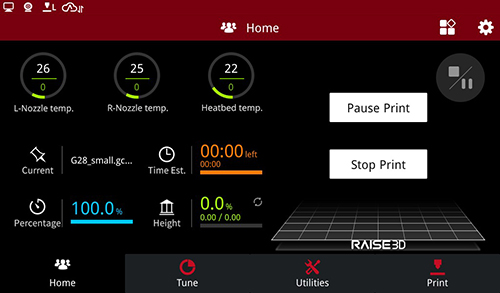
When the filament runs out during printing, replace with new filament, by pressing the pause button on the home interface.
Pause to Replace Filaments
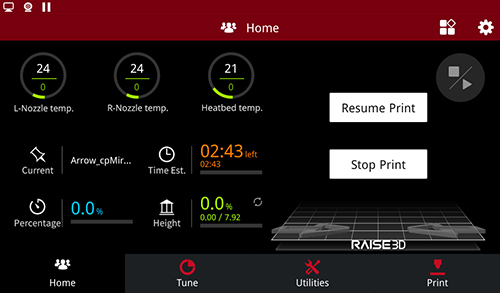
Press “Resume print” after changing the filament. Print will resume.
Resume Print
-END-