

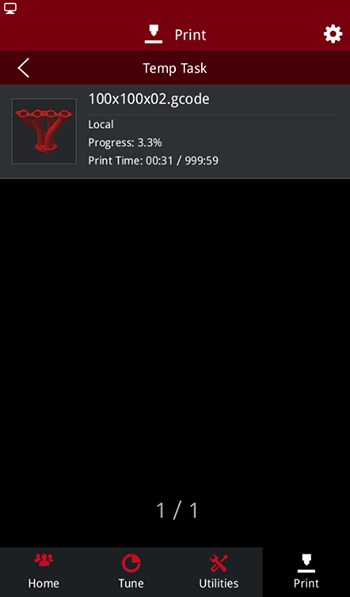
The temporary task interface allows to view the interrupted print task, where you can select the unfinished print task to continue printing or reprint the file.
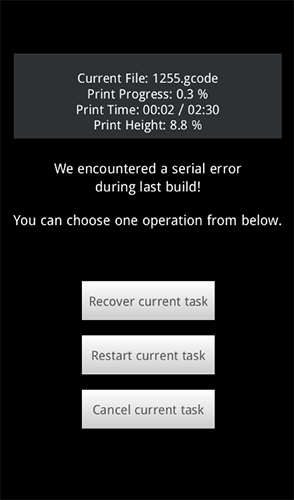
Power loss: when the printer is restarted or the serial port is reconnected, if the interrupted printing task is detected, the print interface will pop up automatically to resume. Click "Recover current task" to resume the printing Task. Click "Restart current task" to reprint the task. Click "Cancel current task" to exit the interface. You can also continue the task through the Temp task after exiting.
-END-
