

All the completed print works will be stored in here, where the past print tasks can be viewed. Click the add label to add a label for the printing task, and click the funnel button in the upper right corner to find the printing task through the label.
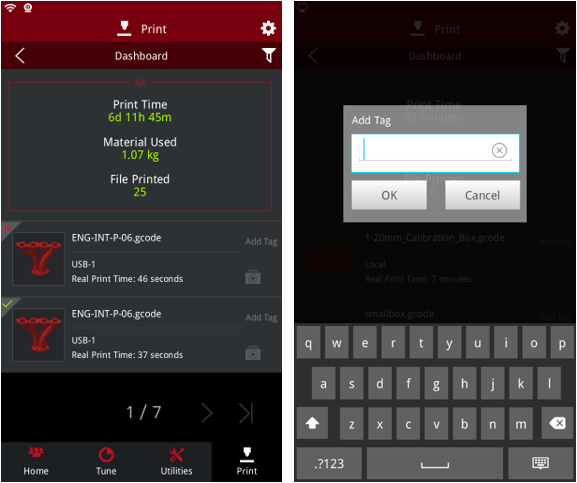
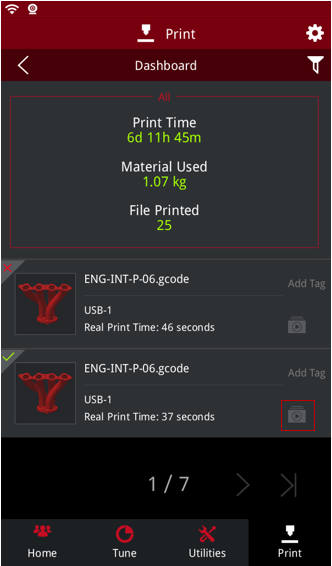
The upper left corner of the print file indicates the success or failure of the print file, a check indicates success, and X indicates failure. If the time-lapse option has been enabled before this print, the time-lapse video icon is displayed in the lower right corner of the printed file for viewing and exporting. The format of the exported file is MP4 format.
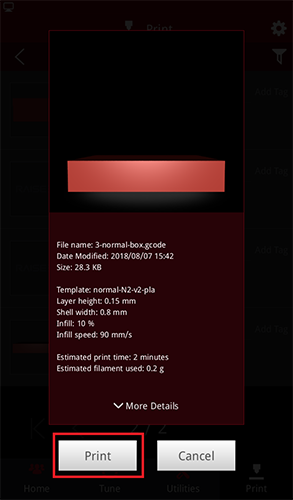
Click on the file in the print task list. If the file is valid, it can be printed.
-END-
