

In the “Filament Parameter Calibration” interface, you can select the “Filament Temperature Test” or “Filament Flowrate Test” for calibration.
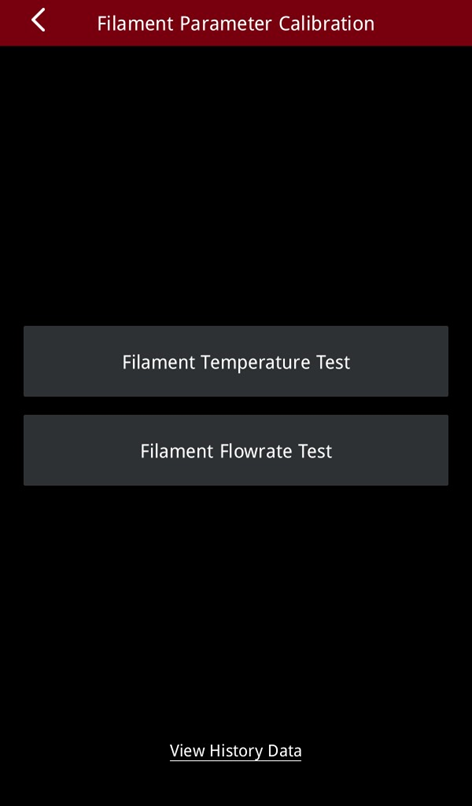
Filament Temperature Test
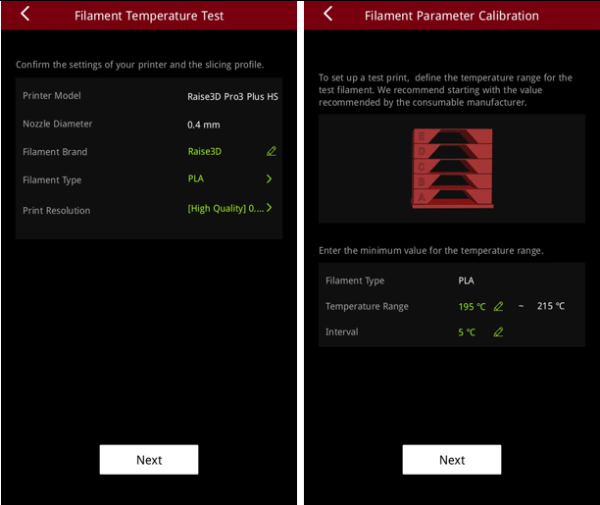
Confirm the settings of the printer and the slicing profile on the screen. Input the temperature range for the filament test.
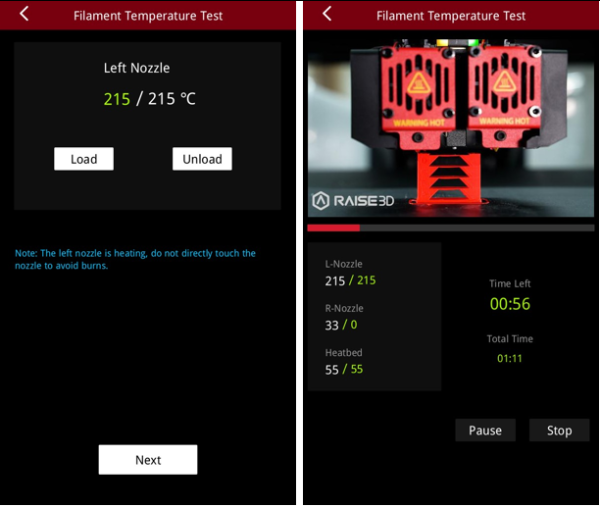
After loading the filament, the printer will print a temperature tower model.
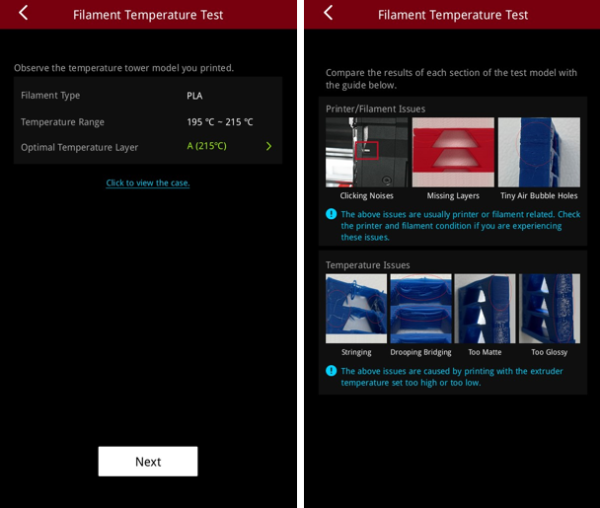
After printing is complete, you can tap to view the case to compare and observe the temperature tower model that was printed with the case shown on the screen.
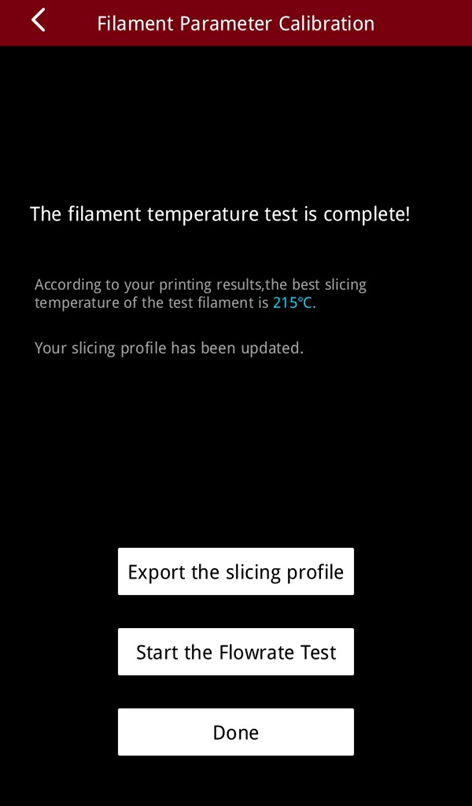
The filament temperature test is complete and you now should have the best slicing temperature value for the test filament. You can export the new slicing profile to the connected external storage.
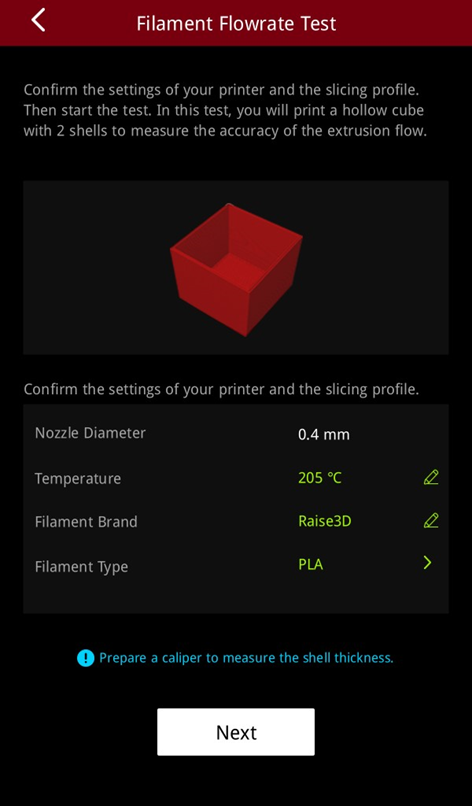
Confirm the settings of the printer and the slicing profile on the screen. Input the temperature range for the filament test.
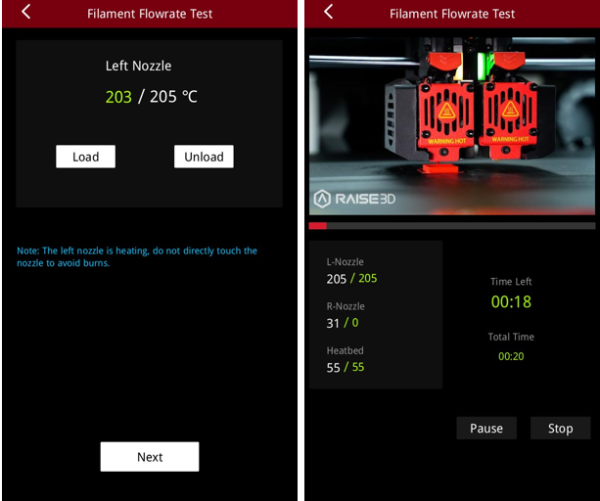
After loading the filament, the printer will print a hollow cube model.
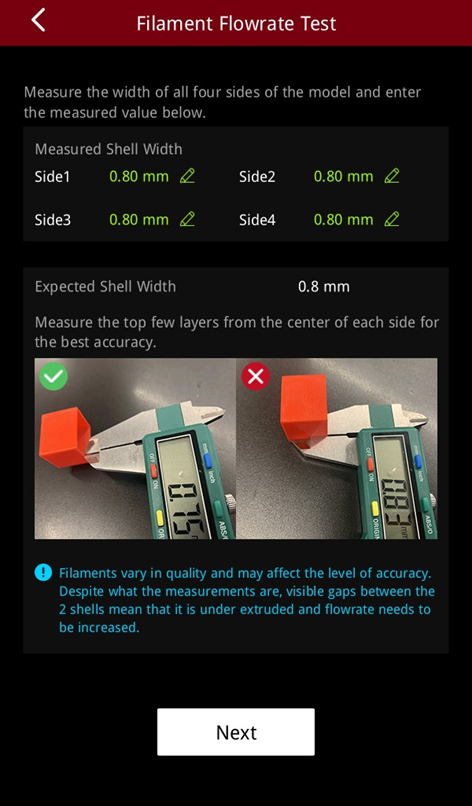
After printing is complete, measure the wall thickness of all four sides of the model and enter the measurements.
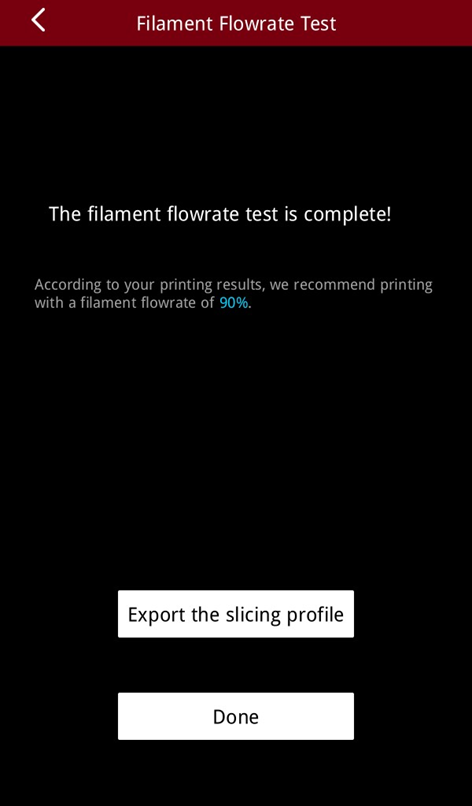
The filament flowrate test is complete and you should have the recommended flowrate for the filament. You can export the new slicing profile to the connected external storage.
