

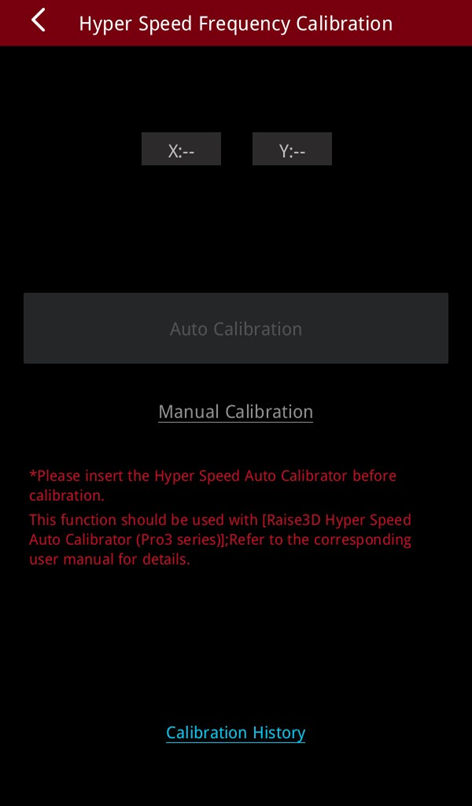
In the “Hyper Speed Frequency Calibration” interface, you can choose the “Auto Calibration” or “Manual Calibration” to calibrate the hyper speed frequency.
Note: You must replace the left nozzle with a Hyper Speed Auto Calibrator to perform the "Auto Calibration" function. You can contact after-sales service to obtain a Hyper Speed Auto Calibrator.
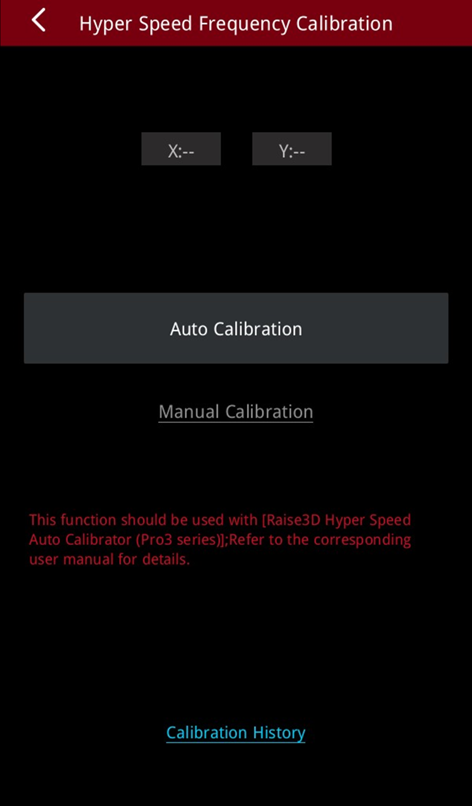
Auto Calibration:
Remove the left nozzle and replace it with a Hyper Speed Auto Calibrator. Tap "Auto Calibration" to enter the hyper speed frequency auto calibration program.
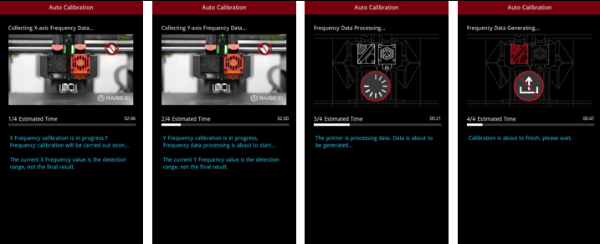
The printer will automatically complete the X and Y frequency calibration value acquisition and analysis.
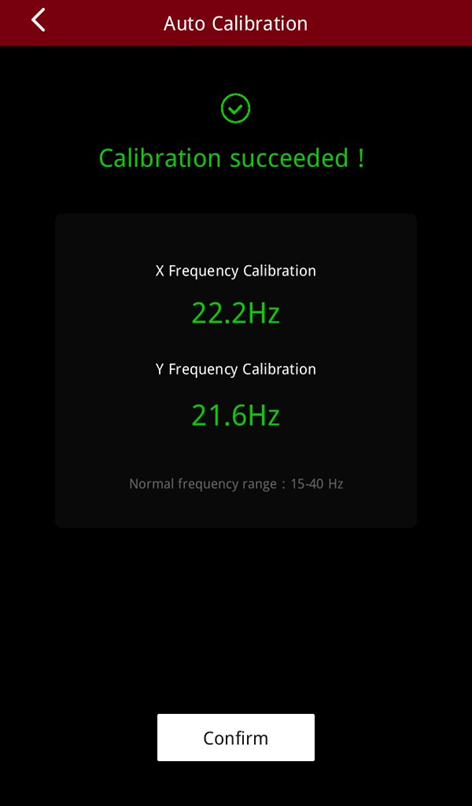
When the calibration is complete, you will get the X and Y calibration frequency values. Tapping "Confirm", you can apply the calibration results.

Manual Calibration:
In the "Hyper Speed Frequency Calibration" page, tap "Manual Calibration" to enter the hyper speed frequency manual calibration program. The printer will print a built-in model.
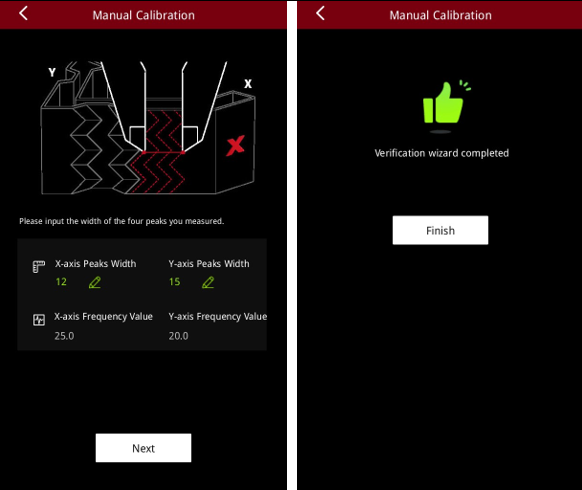
After printing is complete, use a professional measuring tool (such as a vernier caliper) to measure the width of the four peaks of the model and enter the measurement value on the touchscreen. The printer will automatically calculate the X and Y calibration frequency values. Tap "Next" to confirm and apply the calibration results. By tapping "Next", you apply the calibration results.
