

Before your first print, load filament. When loading the left nozzle, for example, press "Load" button on the Utilities interface.
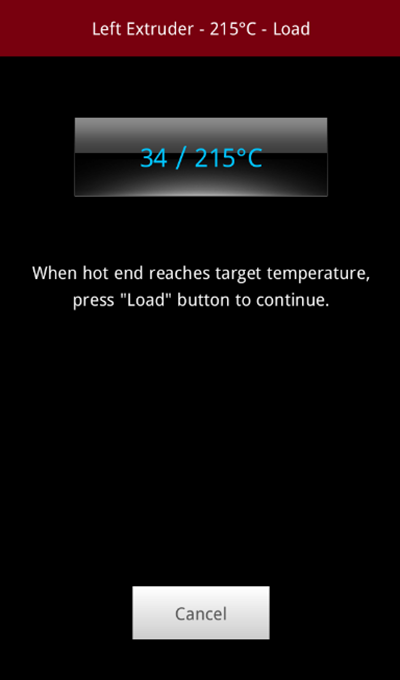
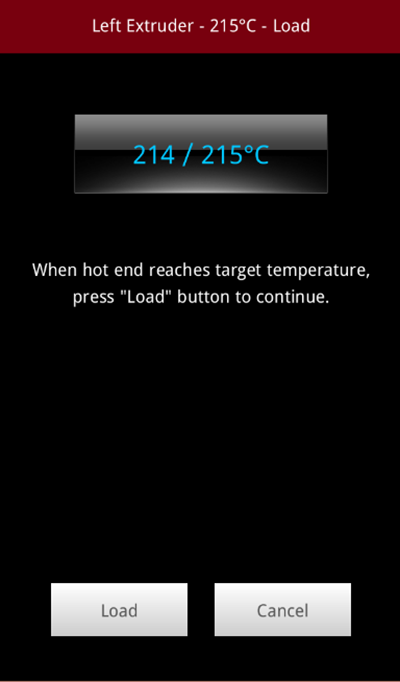
When the target temperature is reached, press "Load" button to continue.
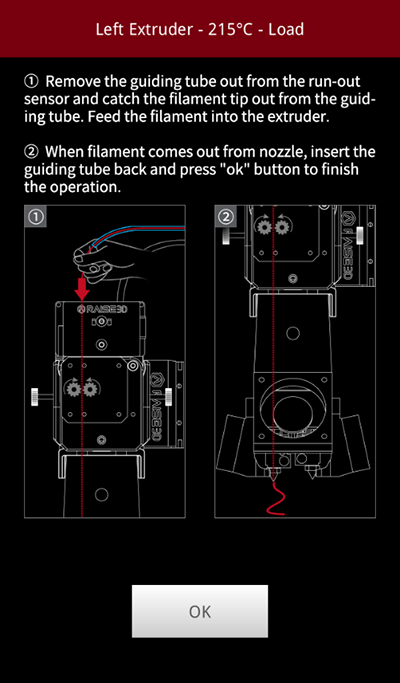
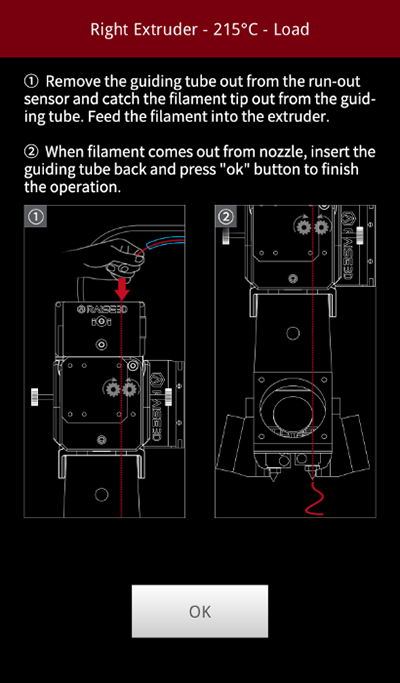
After a small amount of extruded filament comes out from the nozzle Press "OK" button.
-END-
