

Click +Import Models to import a model file. Supported formats include:
.3mf, .stl, .obj, .step, .stp, .iges, .igs, .oltp, .jpg, .jpeg, .png, .bmp, .tga, .tiff, etc.
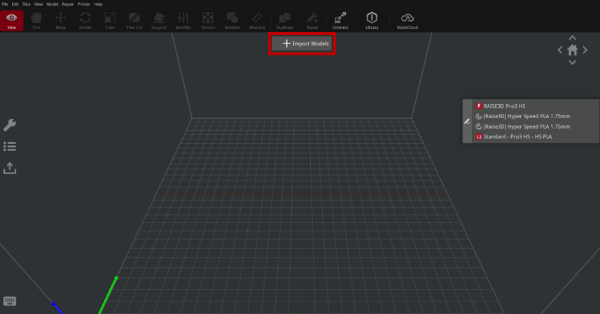
Figure 1: Import a model file.
You can also import the image and ideaMaker will automatically convert the image to a 3D model as shown in Figure 2.
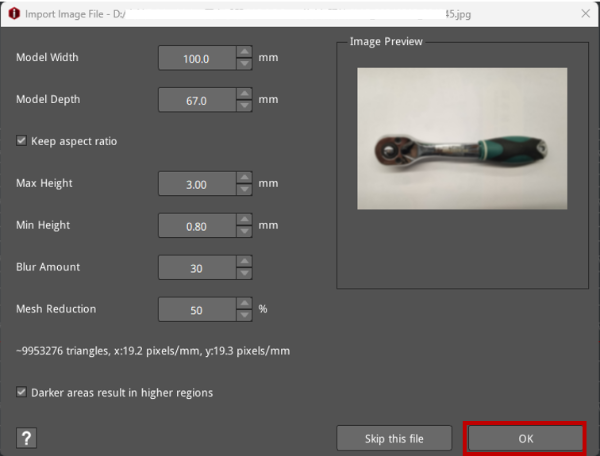
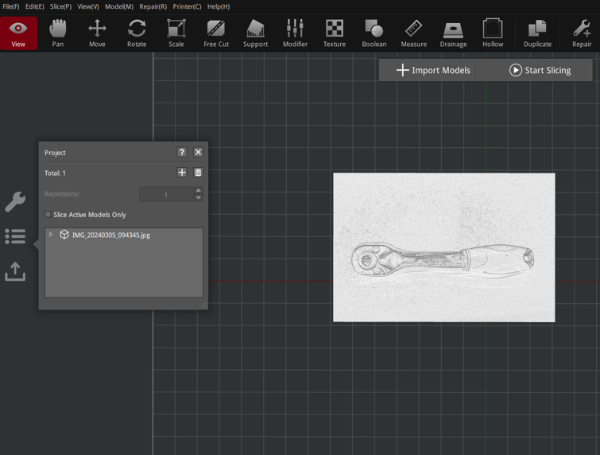
Figure 2: Convert the image to a 3D model.
Model Width: Refers to the width of the converted 3D model.
Model Depth: Refers to the depth of the converted 3D model.
Keep aspect ratio: Converts a 3D model of the same aspect ratio.
Max Heigh: Refers to the maximum height of the converted 3D model.
Min Height: Refers to the minimum height of the converted 3D model.
Blur Amount: Blurs the image to remove the image noise resulting in a smoother 3D model. As shown in the following figures, the left figure shows the 3D model with the blur amount value of 1, and the right figure shows the 3D model with the blur amount value of 30.
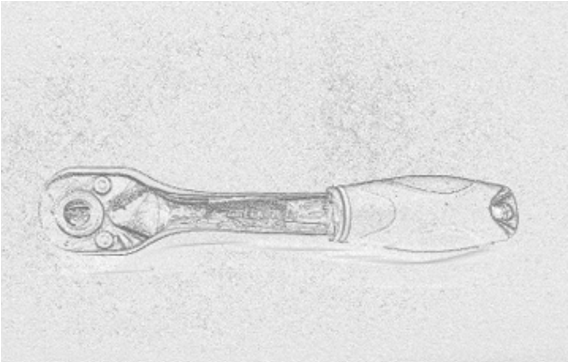
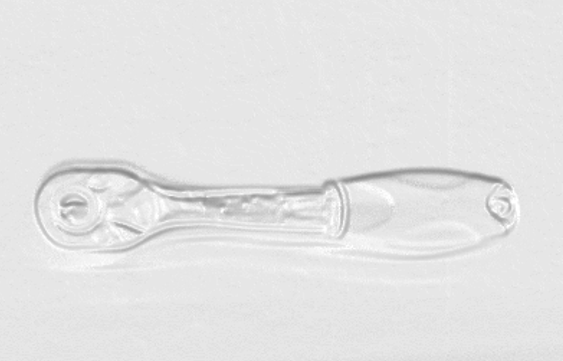
Figure 3: Comparison of two 3D models between blur amount values of 1 and 30
Mesh Reduction: Simplifies the converted 3D model reducing the number of triangles.
Darker areas result in higher regions: Means the darker areas will generate higher 3D model parts.
