

Click the button "+" to import files (.stl, .obj, .3mf, .oltp, .jpg, .jpeg, .png, and .bmp).

Figure 1: Select the "+" icon to import .stl files. If a green tick does not appear below, select the “Repair" button to execute an auto-repair.
You can also import the image and ideaMaker will automatically convert the image to a 3D model as shown in Figure 2.
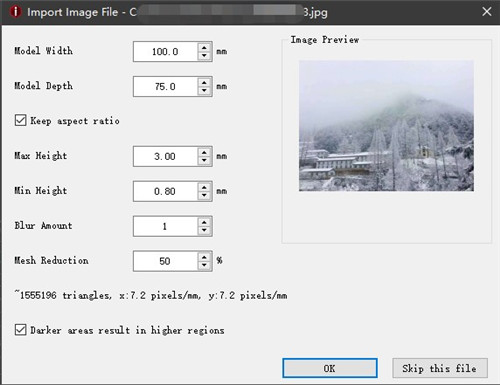
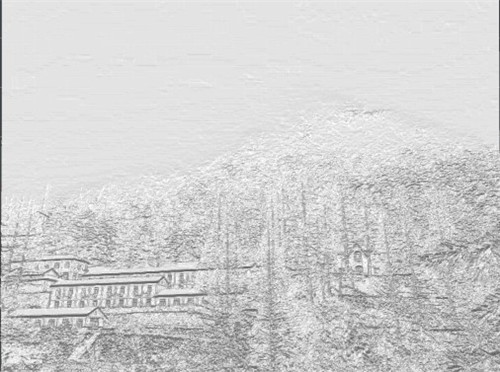
Figure 2: Convert the image to a 3D model.
Model Width refers to the width of the converted 3D model.
Model Depth refers to the depth of the converted 3D model.
Keep aspect ratio converts a 3D model of the same aspect ratio.
Max height is the max height of the converted 3D model.
Min height is the min height of the converted 3D model.
Blur Amount blurs the image to remove the image noise resulting in a smoother 3D model.
Mesh Reduction simplifies the converted 3D model reducing the number of triangles.
Darker areas result in higher regions means the darker areas will generate higher 3D model.
-END-
