

In 3D view mode, click the icon  in the upper right corner of the ideaMaker user interface to view the 2D top view of the current layer of the model in the sliced file. Click the icon
  to switch back to the 3D view mode.
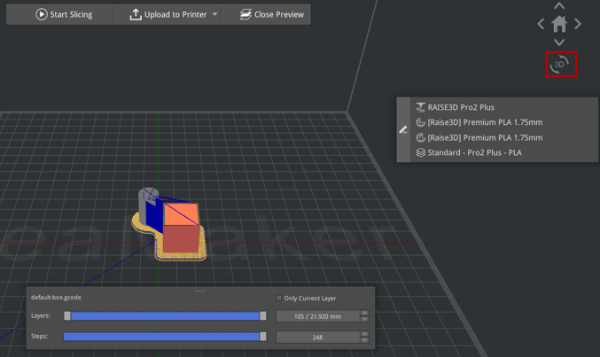
Figure 1: GCode Preview - 3D Mode
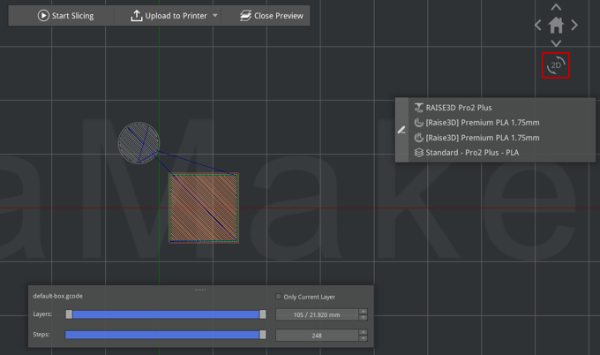
Figure 1: GCode Preview - 2D Mode
