

Drag the slider next to Layers to preview the sliced model layer by layer. Drag the left slider from left to right to preview the model from bottom to top and drag the right slider from right to left to preview the model from top to bottom.
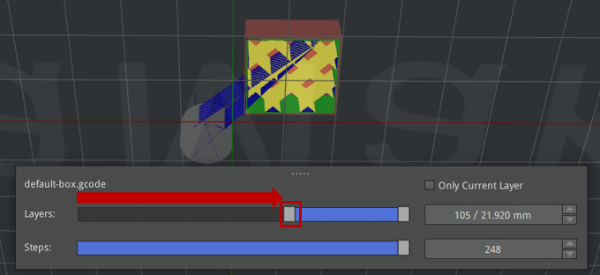
Figure 1: Drag the left slider from left to right to preview the sliced model layer by layer from bottom to top.
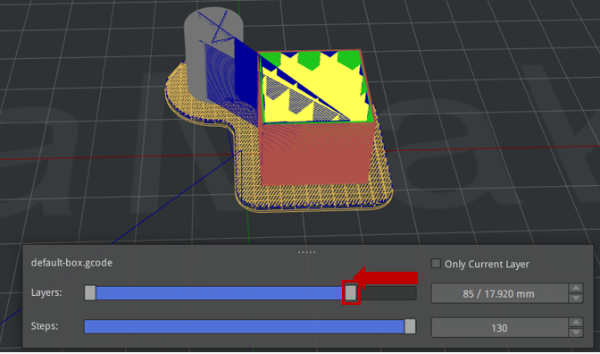
Figure 2: Drag the right slider from right to left to preview the sliced model layer by layer from top to bottom.
