

Drag the slider after the Steps to preview the current layer of the sliced model step by step. Previous layers of the model will be displayed in dark gray. If Only Current Layer is checked, the previous layers of the model will not be displayed.
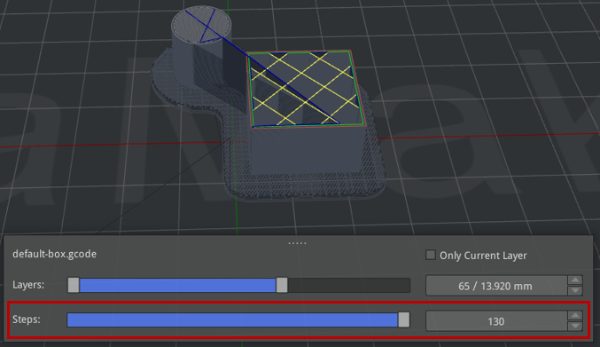
Figure 1: Preview the current layer of the sliced model step by step.
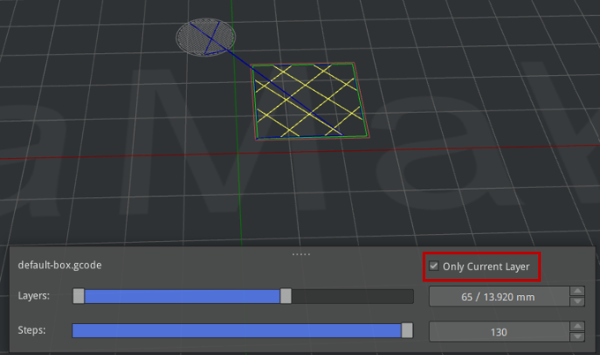
Figure 2: Only display the current layer of the sliced model.
