

After completing the slicing, ideaMaker will advise the estimated data for your reference as Figure 1.
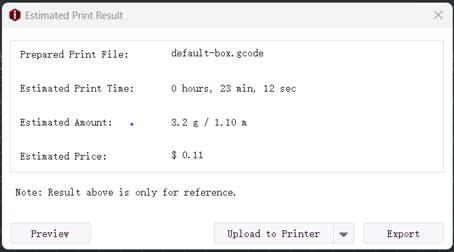
Figure 1: Here you can check the estimated print time and the amount of filament needed.
Click Preview button so that you can check the sliced model as Figure 1.
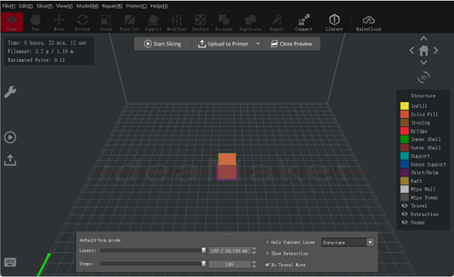
Figure 2: A preview of how the model will print.
Note:
ideaMaker do not support switching Hyper Speed Mode and Standard Mode under Preview, referring to Figure 3.
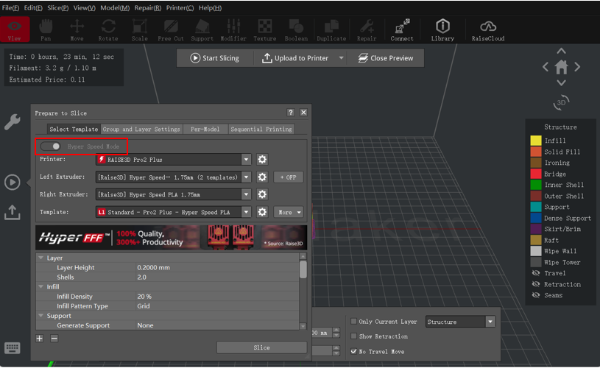
Figure 3: Preview.
 : Start slicing your model.
 : Close the preview interface.
 : Check model with home view.
In this page you can check the Time, Filament, Estimated Price, Retraction and Travel move.
Time is the time required to complete the printing task.
Filament is the amount of filament required to complete the printing task.
Estimated Price is an estimate of the cost required to complete the printing task.
-END-
