

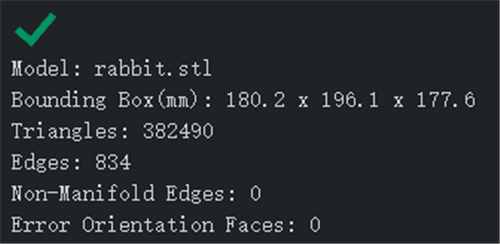
Figure 1: If this section indicates an error or a warning, try using the Auto-Repair function.
Check the correct or warning information of the model’s auto-detection.
Bounding Box(mm) refers to the size of the model.
Note: During rotating model or scaling local transform, this page will show Local Bounding Box.
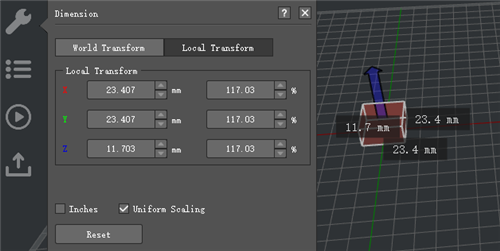
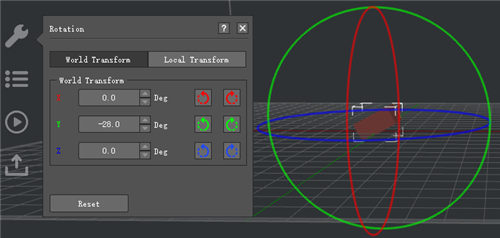
Figure 2: Local Bounding Box.
Triangles refers to the number of triangles in the model. Model faces are subdivided into triangles. A model with a higher triangle count will generally have a smoother finish but are more taxing for the software.
Edges refers to the number of edges in the model.
Non-Manifold Edges refers to the number of non-manifold edges in the model. Generally, there are two types of non-manifold errors, one is an open object which means the model has holes or loose edges, another one is extra faces such as internal faces, overlapping faces etc.
Error Orientation Faces refers to the number of error orientation faces in the model. In geometry the orientation of an object such as a line, plane or rigid body is part of the description of how it is placed in the space it is residing. If your model shows in green, you’ll need to flip mesh orientation.
-END-
