

Step 1: Open ideaMaker, import a model and click Texture button, select Custom Texture in the Surface, then select More, and select Import from ideaMaker Library, the ideaMaker will automatically jump to the ideaMaker Library Textures page.

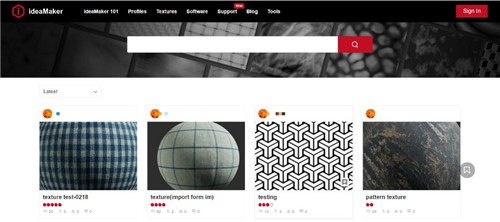
Figure 1: Enter the ideaMaker Library.
Step 2: Choose one texture and click Import to ideaMaker button for the texture file you want to download, then ideaMaker will issue a pop-up window confirming that you wish to download this texture. Click Next to import the Texture into ideaMaker.
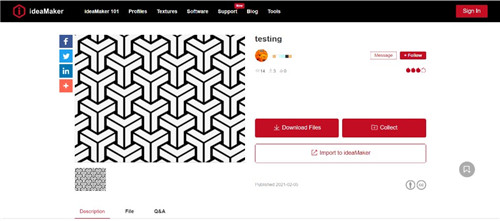
Figure 2: Import texture into ideaMaker.
-END-
