


Figure 1: ideaMaker also can upload G-Code files into Raise3D printers in the local network, RaiseCloud or other servers. Press "+" button or "CLICK HERE TO UPLOAD FILES" to find the files you want to upload from your computer.
This section shows the uploading list from ideaMaker to your printer, RaiseCloud or other servers.
Press " > " to check more information of the uploading G-Code file such as layer height, shell width and so on, and you also can connect to the printer or delete the uploading task as shown in Figure 2.
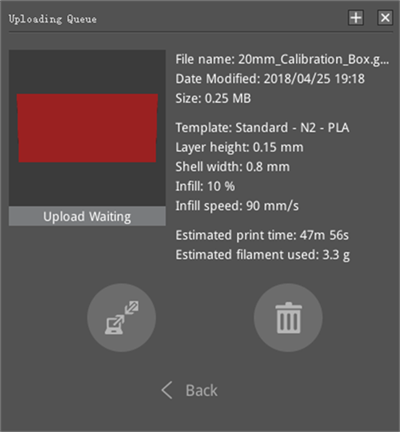
Figure 2: Detailed information of the uploading task.
-END-
