

After opening ideaMaker, you will see the main interface as shown below, which is divided into nine parts, and each part will be introduced here subsequently.
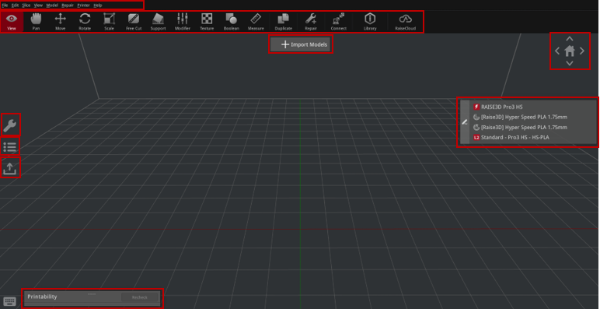
Figure 1: The main ideaMaker interface.
You can click on Import Models to import a model, and the main interface will be as it is shown below after importing the model.
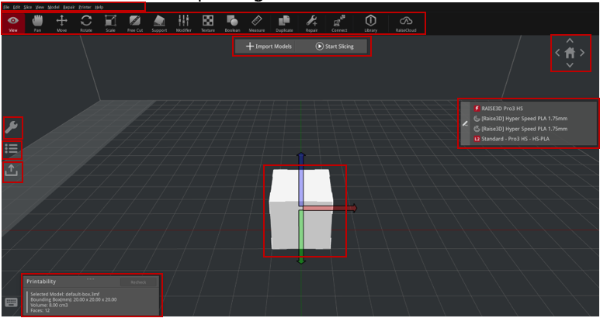
Figure 2: The main ideaMaker interface after importing a model.
