

In the Prepare to Slice panel, click the fourth More from top to bottom. Click Compare to open the Compare Template panel.
Compare: Refers to comparing selected templates. You can compare different printers, filaments and templates. You can also import the templates from your local disk. After comparison is complete, click Export button (as shown in Figure 1) to save the template comparison report to your local disk.
Ignore Dependency: With this function enabled, all the different settings will be displayed, regardless of the dependencies between templates.
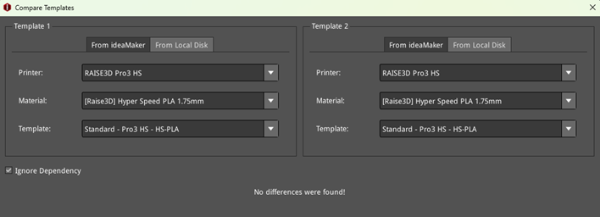
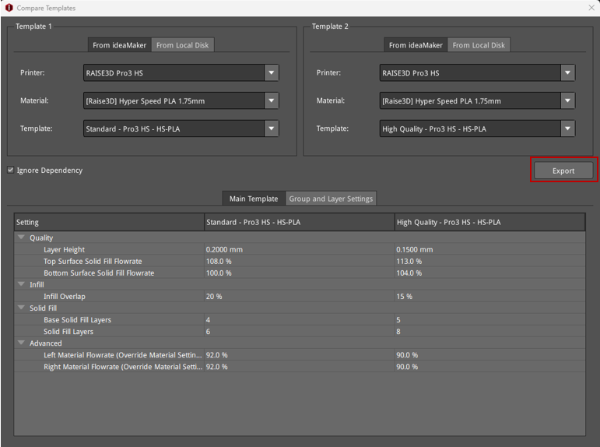
Figure 1: Compare templates.
