

In the Prepare to Slice panel, click the fourth More, when counting from top to bottom. Click Delete to delete the selected template.
Delete: Refers to removing the selected template.It only works for the template which was added by Create or Duplicate or Import. The default templates cannot be deleted.
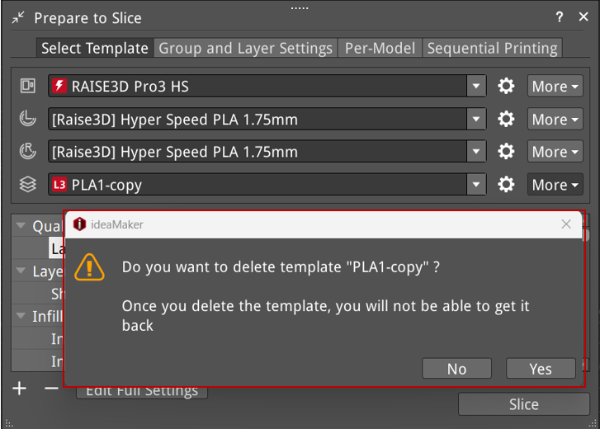
Figure 1: Delete the template.
