

 : refers to editing the selected Per-Layer settings. In Figure 1, you can edit the layer height for the define height range in Setting1.
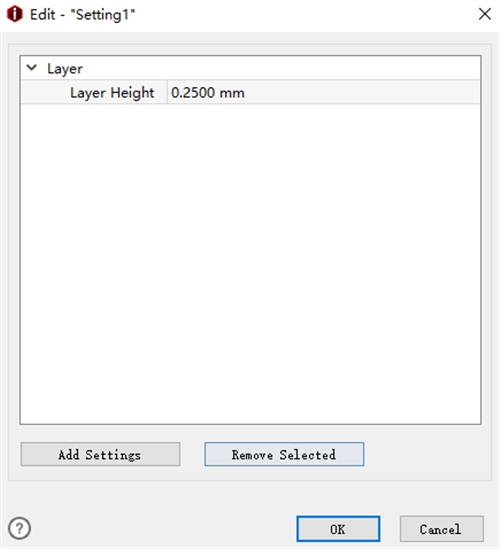
Figure 1: Edit the layer height for the "Per-Layer Settings".
Add Settings refers to adding more settings into the Per-Layer Settings such as left Extruder, Right Extruder, Infill etc.
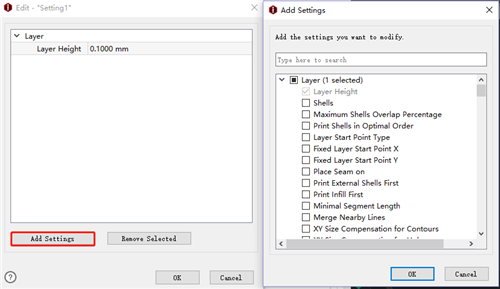
Figure 2: Choose other settings for the Per-Layer settings.
Remove Selected refers to deleting the selected settings from the Per-Layer Settings.
-END-
