

Per-Model: Refers to choosing an extruder and template for your model. If you have set the Extruder Count to 2, this interface will show Left Extruder and Right Extruder. If you have set the Extruder Count to 1, this interface will show Primary Extruder only. The left extruder is defined as the primary extruder by default. Different models can only use the same printing template, and different templates can only be selected after enabling sequential printing, as shown in Figure 2.
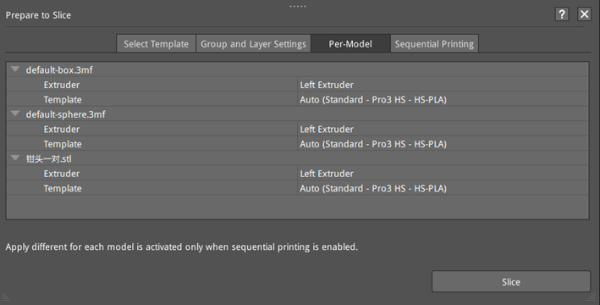
Figure 1: Choose an extruder and template for your model.
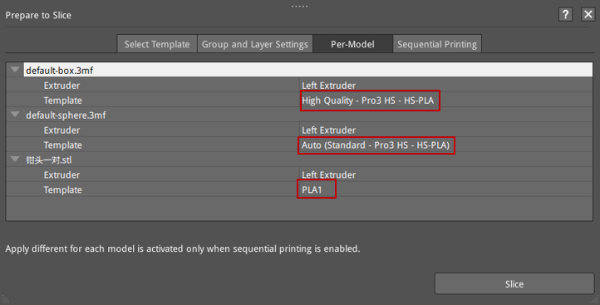
Figure 2: After enabling the sequential printing in the Sequential Printing tab, you can select different printing templates for different models in the Per-Model tab.
